The tablets vs laptops debate has become more relevant than ever as both devices continue to improve. Tablets offer portability and touchscreen convenience. Laptops provide power and productivity. Choosing between them depends on how you plan to use your device daily.
This guide breaks down the key differences between tablets and laptops. It covers ideal use cases for each device type. It also explores hybrid options that blend features from both categories. By the end, readers will have a clear picture of which device fits their needs best.
Table of Contents
ToggleKey Takeaways
- Tablets vs laptops comes down to your priorities—tablets excel at portability and media consumption, while laptops deliver superior processing power for productivity.
- Choose a tablet for travel, casual gaming, note-taking with a stylus, or streaming content on the go.
- Opt for a laptop if you need to run professional software, edit video, code, or handle demanding work tasks.
- Hybrid devices like the Microsoft Surface Pro and iPad with keyboard accessories offer the best of both worlds for users who need flexibility.
- Tablets typically offer better battery life (10–12 hours), while laptops provide more storage options and connectivity ports.
- Budget tablets start around $100 and entry-level laptops near $300, but premium options in both categories can exceed $2,000.
Key Differences Between Tablets and Laptops
Understanding the tablets vs laptops comparison starts with their core differences. Each device excels in different areas.
Form Factor and Portability
Tablets are lighter and thinner than laptops. Most tablets weigh under one pound. Laptops typically range from two to six pounds. This makes tablets easier to carry in a bag or hold for extended periods.
Tablets lack built-in keyboards. Users interact through touchscreens or optional accessories. Laptops include physical keyboards and trackpads as standard features.
Processing Power
Laptops generally offer more processing power than tablets. They can run demanding software like video editing programs, CAD applications, and full desktop browsers. Most tablets use mobile processors designed for efficiency over raw performance.
But, high-end tablets like the iPad Pro and Samsung Galaxy Tab S9 have closed this gap significantly. They handle most everyday tasks without issue.
Battery Life
Tablets often outlast laptops in battery life. Many tablets deliver 10 to 12 hours of use on a single charge. Laptops vary more widely, with budget models lasting 4 to 6 hours and premium ultrabooks reaching 10+ hours.
Storage and Connectivity
Laptops provide more storage options. Many models include 256GB to 1TB of internal storage with upgrade potential. Tablets typically offer 64GB to 256GB without easy expansion.
Laptops also feature more ports. USB-A, USB-C, HDMI, and SD card slots are common. Tablets usually have one USB-C or Lightning port, requiring adapters for most peripherals.
Price Range
Both categories span wide price ranges. Budget tablets start around $100. Entry-level laptops begin near $300. Premium tablets and laptops both reach $2,000 or more.
When to Choose a Tablet
Tablets shine in specific situations. They work best for consumption-focused activities and high-mobility needs.
Media Consumption
Tablets excel at streaming video, reading ebooks, and browsing social media. Their touchscreens make scrolling and swiping natural. The compact size works well for watching content in bed or during travel.
Casual Gaming
Mobile games run smoothly on modern tablets. The touchscreen interface suits many game genres. Tablets also support gaming controllers via Bluetooth for a more traditional experience.
Note-Taking and Art
Creative professionals and students benefit from tablet stylus support. Apple Pencil, Samsung S Pen, and similar tools enable precise drawing and handwriting. Many tablets offer pressure sensitivity and palm rejection features.
Travel and Commuting
People who travel frequently often prefer tablets. They fit easily in small bags. They boot instantly. They work well in cramped airplane seats or standing on public transit.
Young Children
Tablets make sense for kids. The touchscreen interface is intuitive. Parental controls help manage content access. Durable cases protect against drops and spills.
When comparing tablets vs laptops for these use cases, tablets clearly win on convenience and user experience.
When to Choose a Laptop
Laptops remain the better choice for productivity-heavy tasks. They handle work and creative projects more effectively.
Professional Work
Office workers, writers, and analysts typically need laptops. Physical keyboards enable faster typing. Multiple windows and apps run simultaneously without performance issues. Full versions of Microsoft Office, Google Workspace, and industry-specific software work best on laptop operating systems.
Software Development
Programmers require laptops. Development environments, code editors, and testing tools demand desktop-class operating systems. Tablets cannot run most professional coding applications.
Video and Photo Editing
Serious content creators choose laptops. Programs like Adobe Premiere Pro, Final Cut Pro, and Photoshop require significant processing power. Laptops offer the CPU and GPU performance these applications need. Large displays make detailed editing easier.
Gaming
PC gaming demands laptop hardware. AAA titles require dedicated graphics cards. Gaming laptops provide the performance serious gamers expect. Tablets cannot run most major PC game releases.
Academic Work
College students often need laptops. Research papers require word processing. Online exams may require specific browser configurations. File management is easier with traditional operating systems.
The tablets vs laptops decision becomes clear for these users. Laptops deliver the power and functionality professional tasks demand.
Hybrid Options Worth Considering
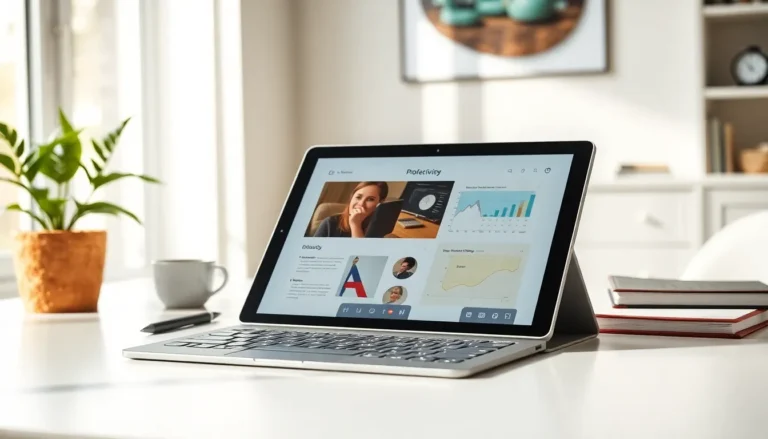
Users who want both tablet and laptop features have excellent options today. Hybrid devices combine touchscreens with keyboard functionality.
2-in-1 Laptops
Devices like the Microsoft Surface Pro and Lenovo Yoga series work as both tablets and laptops. They feature detachable or foldable keyboards. Users can switch between modes based on their current task.
The Surface Pro runs full Windows 11. It handles productivity software while offering tablet-style portability. Battery life typically reaches 10+ hours.
iPad with Keyboard Accessories
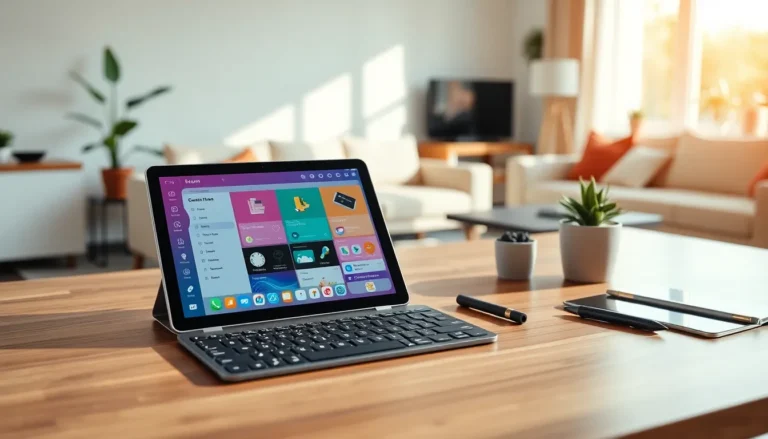
Apple’s iPad lineup supports Magic Keyboard and Smart Keyboard accessories. These transform tablets into laptop-like workstations. The iPad Pro with M-series chips delivers impressive performance for creative tasks.
iPadOS has also improved multitasking features. Stage Manager allows multiple overlapping windows. This brings the iPad closer to laptop functionality.
Chromebooks
Chromebooks offer another middle ground in the tablets vs laptops comparison. Many models include touchscreens and support Android apps. They cost less than traditional laptops while handling basic tasks well.
Chromebooks work best for users who primarily use web-based applications. Google Docs, email, and streaming all run smoothly. Heavy offline software is not supported.
Samsung Galaxy Tab with DeX
Samsung’s DeX mode transforms Galaxy tablets into desktop-like interfaces. Connect a keyboard and mouse for a laptop-style experience. DeX supports windowed apps and traditional multitasking.