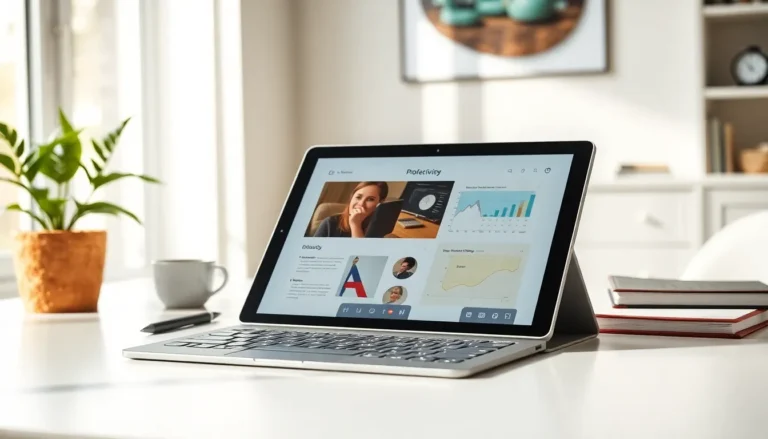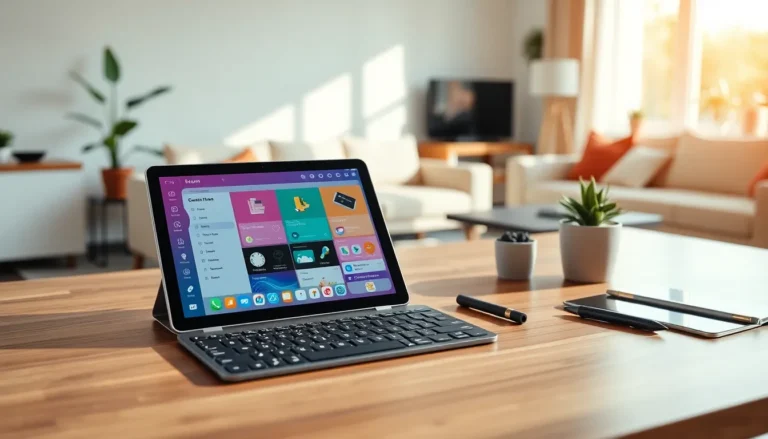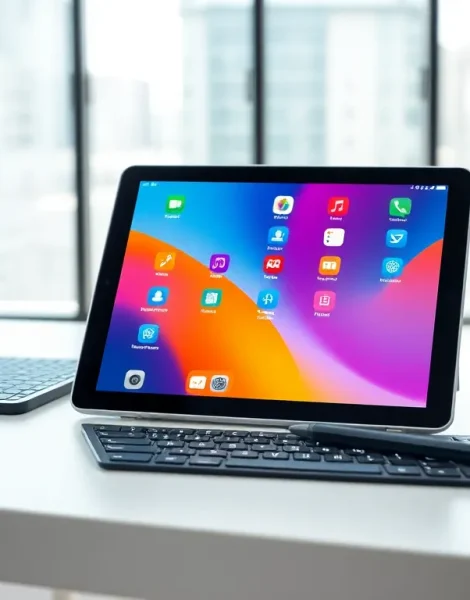
What is a tablet? A tablet is a portable computing device with a touchscreen display, positioned between smartphones and laptops in size and capability. These devices have transformed how people consume media, work remotely, and stay connected.
Tablets first gained mainstream attention with the iPad’s launch in 2010. Since then, the market has expanded to include options from Samsung, Microsoft, Amazon, and dozens of other manufacturers. Today, tablets serve everyone from students taking notes in class to professionals running entire businesses from a single device.
This guide covers everything users need to know about tablets. It explains what sets tablets apart from other devices, breaks down their key features, and helps readers choose the right tablet for their specific needs.
Table of Contents
ToggleKey Takeaways
- A tablet is a portable touchscreen device that bridges the gap between smartphones and laptops, offering larger screens than phones while remaining lighter and more portable than laptops.
- Tablets excel at media consumption, productivity, education, and creative work, with battery life often lasting 10-12 hours on a single charge.
- The three main tablet ecosystems are iPadOS (Apple), Android (Samsung, Amazon), and Windows (Microsoft Surface), each offering unique benefits depending on your existing devices.
- When choosing a tablet, consider your primary use case—budget tablets under $300 work well for streaming and browsing, while professionals should invest in premium models with better displays and processors.
- Storage needs vary by user: 64GB suits streaming-focused users, while those downloading media or using large apps should opt for 128GB or more.
How Tablets Differ From Laptops and Smartphones
Tablets occupy a unique space in the device ecosystem. They offer more screen real estate than smartphones but remain more portable than laptops. Understanding these differences helps buyers make smarter purchasing decisions.
Tablets vs. Smartphones
The most obvious difference between tablets and smartphones is screen size. Most tablets feature displays between 7 and 13 inches, while smartphones typically max out around 6.7 inches. This larger screen makes tablets better suited for watching videos, reading documents, and browsing the web.
Tablets generally lack cellular calling capability, though many models support mobile data connections. They rely on Wi-Fi or optional LTE/5G connectivity rather than serving as primary communication devices.
Battery life on tablets often exceeds smartphone performance. The larger chassis accommodates bigger batteries, and tablets can run 10-12 hours on a single charge during typical use.
Tablets vs. Laptops
Laptops include physical keyboards and trackpads as standard features. Tablets use touchscreen input, though most support external keyboard accessories. This distinction affects typing speed and comfort during extended work sessions.
Processing power traditionally favored laptops, but high-end tablets now match or exceed many laptop specifications. Apple’s M-series chips in iPad Pro models deliver desktop-class performance in a tablet form factor.
Tablets weigh significantly less than laptops. A typical tablet weighs between 0.5 and 1.5 pounds, while laptops start around 2.5 pounds and go up from there. This weight difference matters for travelers and commuters.
Key Features and Components of Tablets
Every tablet shares certain core components that define the user experience. Here’s what makes these devices tick.
Display Technology
The touchscreen display serves as both the output and primary input method for tablets. Most tablets use LCD or OLED panel technology. OLED screens offer deeper blacks and better contrast, while LCD panels typically cost less to produce.
Screen resolution varies widely across tablet models. Entry-level devices might offer 1280×800 pixels, while premium tablets push 2732×2048 or higher. Higher resolution means sharper text and more detailed images.
Processors and Memory
Tablets run on mobile processors designed for efficiency. Apple uses its custom A-series and M-series chips. Android tablets typically feature Qualcomm Snapdragon or MediaTek processors. These chips balance performance with battery life.
RAM (random access memory) ranges from 2GB in budget tablets to 16GB in professional models. More RAM allows users to run multiple apps simultaneously without slowdown.
Storage Options
Internal storage on tablets spans from 32GB to 2TB. Many Android tablets include microSD card slots for expandable storage. iPads lack this expansion option, so buyers should choose their storage capacity carefully at purchase.
Cameras and Sensors
Front-facing cameras enable video calls and selfies. Rear cameras allow users to capture photos and scan documents. Tablet cameras have improved significantly but still lag behind smartphone quality in most cases.
Additional sensors include accelerometers for screen rotation, GPS for location services, and sometimes Face ID or fingerprint scanners for security.
Common Uses for Tablets
Tablets excel at specific tasks that benefit from their form factor. Their versatility makes them valuable tools across many scenarios.
Entertainment and Media Consumption
Streaming video represents one of the most popular tablet activities. The portable screen size hits a sweet spot for watching Netflix, YouTube, or sports while relaxing on the couch or traveling. Tablets also serve as excellent e-readers, with apps like Kindle and Apple Books offering access to millions of titles.
Gaming on tablets has grown substantially. Casual games work well with touch controls, and newer tablets support console-quality titles with controller accessories.
Productivity and Work
Many professionals use tablets as their primary work devices. With a keyboard attachment, tablets handle email, document editing, and video conferencing effectively. Creative professionals rely on tablets with stylus support for digital illustration, photo editing, and design work.
Tablets have become standard equipment in certain industries. Doctors review patient records on tablets. Restaurant servers take orders on them. Retail employees process transactions using tablet-based point-of-sale systems.
Education
Schools have adopted tablets widely for student use. They provide access to digital textbooks, educational apps, and online research. The touch interface feels intuitive for younger learners, and tablets weigh less than stacks of traditional textbooks.
Types of Tablets Available Today
The tablet market offers options across every price point and use case. Different operating systems and form factors serve different needs.
iPads (iPadOS)
Apple’s iPad lineup dominates global tablet sales. The standard iPad offers solid performance at accessible prices. iPad Air provides more power in a slim design. iPad Pro targets professionals with laptop-class performance and ProMotion displays. iPad Mini appeals to users who want maximum portability.
iPads run iPadOS, which offers a curated app ecosystem and strong security. The platform integrates seamlessly with other Apple devices.
Android Tablets
Samsung leads the Android tablet market with its Galaxy Tab series. These devices offer excellent displays and competitive performance. Amazon’s Fire tablets provide budget-friendly options with access to Alexa services and Amazon’s content library.
Android tablets vary widely in quality. Premium models compete directly with iPads, while budget options sacrifice performance and display quality for lower prices.
Windows Tablets
Microsoft’s Surface lineup runs full Windows 11. These tablets function as complete computers, running desktop applications that iPads and Android tablets cannot. The Surface Pro works as both a tablet and laptop replacement with its detachable keyboard.
Windows tablets appeal to users who need specific desktop software or prefer the Windows ecosystem.
How to Choose the Right Tablet for Your Needs
Selecting the right tablet requires matching device capabilities to intended use. Several factors deserve consideration before purchase.
Determine Primary Use
Buyers should identify their main reason for wanting a tablet. Media consumption needs differ from professional work requirements. A student taking notes has different priorities than a graphic designer creating illustrations.
For basic web browsing and streaming, budget tablets under $300 work fine. Creative professionals and power users should invest in premium tablets with better displays and faster processors.
Consider the Ecosystem
Existing device ownership matters. iPhone users benefit from iPad’s integration with Messages, AirDrop, and other Apple services. Android phone owners might prefer Galaxy Tab devices that sync with their phones.
Evaluate Key Specifications
Screen size affects portability and usability. Smaller tablets travel easily but limit productivity. Larger tablets work better for creative tasks but feel heavy during extended handheld use.
Storage needs depend on usage. Streaming users can manage with 64GB. People who download movies, store photos, or install large apps should consider 128GB or more.
Cellular connectivity adds cost but enables internet access anywhere. Users who primarily stay near Wi-Fi can skip this option and save money.
Set a Realistic Budget
Tablet prices range from under $100 to over $2,000. Entry-level tablets serve basic needs adequately. Mid-range options between $400-$600 satisfy most users. Premium tablets above $800 make sense for professionals and enthusiasts who need maximum performance.