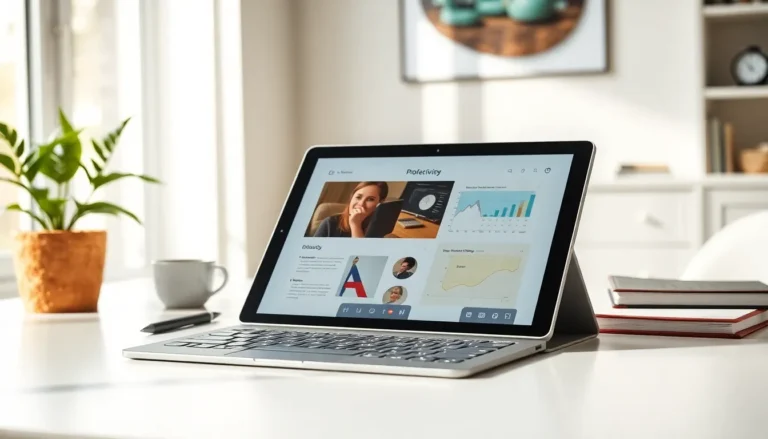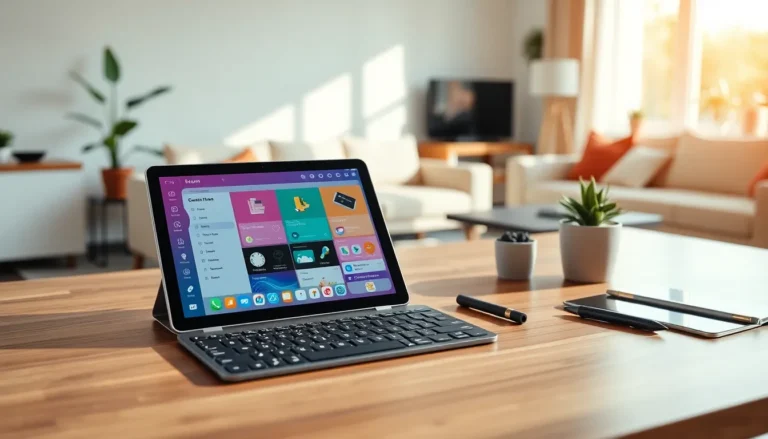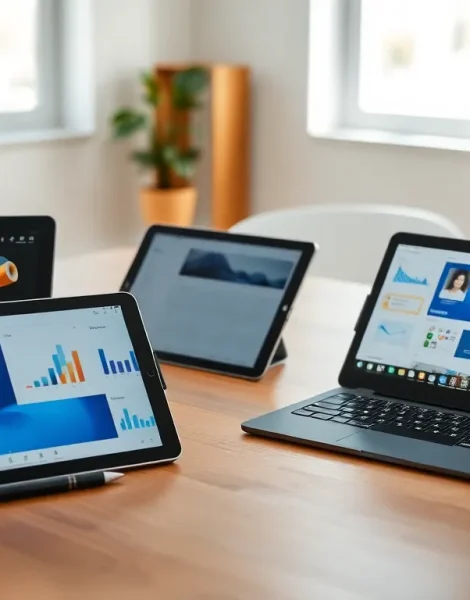
A tablets guide can save hours of frustration and hundreds of dollars. The tablet market offers dozens of options across multiple price points, operating systems, and form factors. Buyers often struggle to match their actual needs with the right device. This guide breaks down the essential factors, from operating systems to battery life, so readers can make a confident purchase decision. Whether someone needs a tablet for streaming movies, taking notes in class, or running a small business, understanding these key differences matters more than chasing the latest specs.
Table of Contents
ToggleKey Takeaways
- A good tablets guide helps you match your actual needs—streaming, productivity, or creative work—to the right device and price point.
- The three main operating systems (iPadOS, Android, Windows) each serve different users, with iPadOS offering polish, Android providing flexibility, and Windows delivering full PC functionality.
- For most users, a 10-inch tablet with at least Full HD resolution (1920×1080) offers the best balance of portability and usability.
- Mid-range tablets ($300-$600) like the base iPad or Samsung Galaxy Tab S series deliver excellent value for students, casual users, and home entertainment.
- Prioritize storage based on your habits—64GB works for streaming-focused users, while 128GB or more suits those who download content or games.
- Honestly assess your needs before buying; a $1,000 premium tablet isn’t necessary for streaming and email, but professionals and creators shouldn’t compromise on performance.
Understanding Tablet Types And Operating Systems
The first decision in any tablets guide comes down to operating system. Three main platforms dominate the market: iPadOS, Android, and Windows. Each serves different users and use cases.
iPadOS powers Apple’s iPad lineup. It offers a polished interface, excellent app optimization, and tight integration with other Apple devices. Users who already own an iPhone or MacBook will find iPadOS familiar and seamless. The App Store provides high-quality tablet-optimized apps, though the system remains more closed than competitors.
Android tablets run on Google’s open platform. Samsung, Lenovo, and other manufacturers produce Android devices across all price ranges. This flexibility means buyers can find budget-friendly options under $200 or premium models that rival iPads. Android tablets work well with Google services and offer more customization options. But, app optimization varies, some Android apps still feel like stretched phone versions.
Windows tablets function as portable PCs. Microsoft’s Surface line leads this category. These devices run full desktop software, making them ideal for productivity tasks. A Windows tablet can replace a laptop entirely for many users. The trade-off? Windows tablets typically cost more and have shorter battery life than their iPad or Android counterparts.
Tablet form factors also vary significantly. Standard tablets range from 7 to 13 inches. Smaller tablets fit easily in bags and work great for reading or quick tasks. Larger tablets excel at media consumption and productivity but sacrifice portability. Some tablets, like the iPad Pro or Surface Pro, support keyboard attachments and styluses, blurring the line between tablet and laptop.
Key Features To Consider Before Buying
Specs matter, but only in context. A tablets guide should help buyers focus on features that match their actual usage patterns rather than impressive-sounding numbers.
Display And Performance Specifications
Display quality affects every interaction with a tablet. Screen size determines portability and usability. A 10-inch tablet hits the sweet spot for most users, large enough for comfortable viewing, small enough to carry daily.
Resolution impacts sharpness. Look for at least 1920×1080 pixels (Full HD) for clear text and images. Premium tablets offer 2K or higher resolutions, which matter most for reading, photo editing, or watching high-definition content.
Panel type influences color accuracy and viewing angles. OLED and AMOLED displays deliver deeper blacks and more vibrant colors than LCD screens. They also consume less power when displaying dark content. LCD panels cost less and work fine for casual use.
Refresh rate has become a marketing focus. Standard tablets run at 60Hz. Higher refresh rates (90Hz, 120Hz) make scrolling and animations smoother. Gamers and artists benefit most from high refresh rates. Average users may not notice the difference.
Processor performance determines how smoothly the tablet runs apps and multitasks. Apple’s M-series chips and Qualcomm’s Snapdragon 8 Gen processors handle demanding tasks easily. Budget tablets use less powerful chips that work fine for basic browsing, streaming, and reading but struggle with heavy multitasking or gaming.
RAM affects multitasking ability. Most tablets ship with 4GB to 8GB of RAM. Power users who run multiple apps simultaneously should aim for 8GB or more.
Storage And Battery Life
Storage needs depend entirely on usage. Streaming-focused users can get by with 64GB. Those who download movies, games, or large files should consider 128GB or higher. Some Android tablets offer expandable storage via microSD cards, a useful feature Apple doesn’t provide.
Cloud storage can extend limited internal space, but it requires an internet connection. Users who travel frequently or work in areas with poor connectivity should prioritize local storage.
Battery life varies widely across tablets. Most modern tablets promise 8 to 12 hours of use. Real-world results depend on screen brightness, tasks performed, and wireless usage. A tablets guide should note that manufacturer claims often reflect ideal conditions. Reading reviews for real-world battery tests provides more accurate expectations.
Charging speed has improved significantly. Many tablets now support fast charging, reaching 50% capacity in under an hour. This feature proves valuable for users who forget to charge overnight or need quick top-ups between meetings.
Best Uses For Different Tablet Categories
Matching tablet type to intended use prevents buyer’s remorse. Here’s how different categories serve different needs.
Budget tablets ($100-$300) work best for basic tasks. They handle streaming video, browsing the web, reading ebooks, and video calls without issue. Families often buy budget tablets for children. The Amazon Fire tablet line dominates this space with aggressive pricing, though it locks users into Amazon’s ecosystem.
Mid-range tablets ($300-$600) suit most users perfectly. They offer solid performance, good displays, and adequate storage. The base iPad and Samsung Galaxy Tab S series live here. Students, casual gamers, and home users find excellent value in this range.
Premium tablets ($600+) target professionals, creators, and power users. The iPad Pro, Samsung Galaxy Tab S9 Ultra, and Microsoft Surface Pro offer laptop-level performance. Artists use these tablets with styluses for digital illustration. Business professionals run demanding applications. Content creators edit video and photos on the go.
2-in-1 tablets serve users who want laptop functionality in tablet form. Windows-based 2-in-1 devices run full desktop software. The iPad with Magic Keyboard offers a similar experience within Apple’s ecosystem. These devices cost more but can replace both a tablet and a laptop for many workflows.
This tablets guide recommends honest assessment of actual needs. Someone who primarily streams Netflix and checks email doesn’t need a $1,000 tablet. A graphic designer working remotely shouldn’t compromise on display quality or stylus support.